Roles
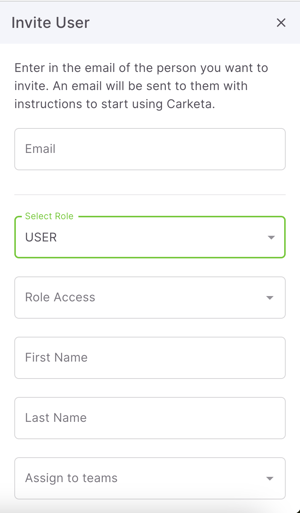
Roles are intended to limit access to different aspects of the tool. We have 2 different types of roles that you can choose from.
User
By default, the only section of Carketa that someone with the user role can see is the My Work section. They can only see the work that is assigned to them directly. You can always toggle on additional features for them to have access to if you'd like, however by default they can only see their assigned work.
Owner
They have full Carketa account access. They can manage all settings, users, and permissions.
Making sure that you assign the correct role type to individuals as you add and manage them in your account will help your processes and minimize errors.
Adding a user:
Go to Settings > Users > Invite user