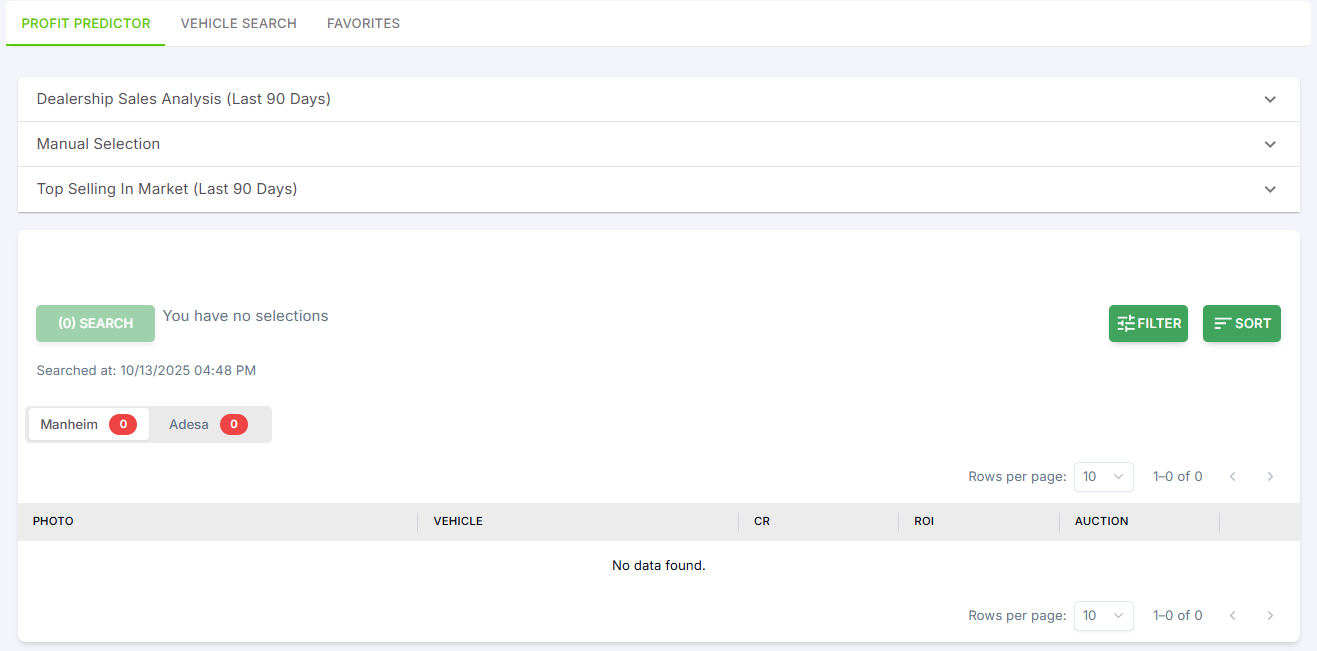
Profit Predictor
On this tab, you can search for a specific dealership to perform a Dealership Sales Analysis for the last 90 days and look for specific vehicles in Manheim and Adesa. You also have the option to manually select your vehicle’s year, make, and model (Manual Selection) to check their auction listings and view the Top Selling vehicles in your market (last 90 days) for your region.
After selecting the vehicles, click “Search” to see all available listings in Manheim and Adesa.
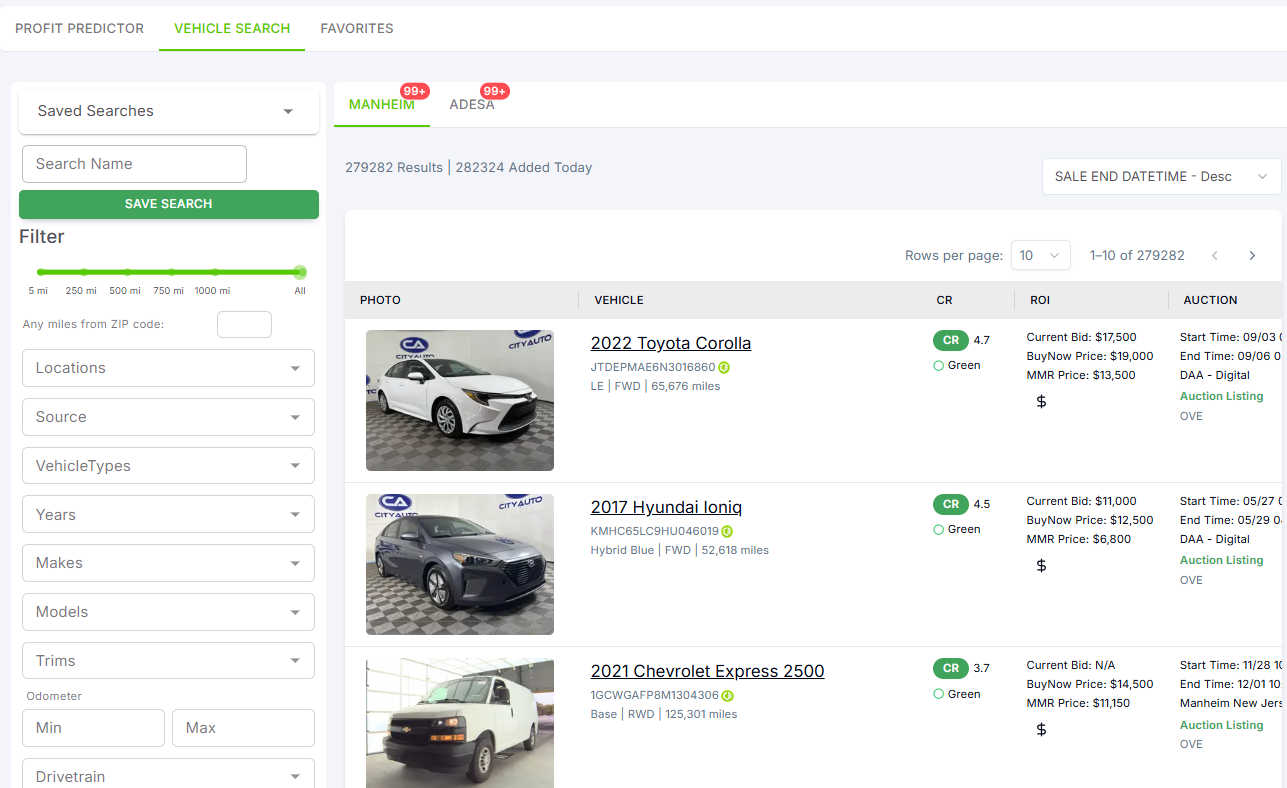
Vehicle Search
Search and Filter
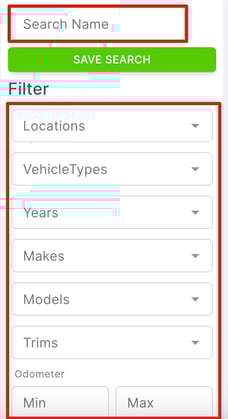
You can easily search and filter auction listings based on criteria such as location, vehicle type, year, make, model, trim, odometer range, and more.
Saved Searches
You can save search criteria and access them later through a dropdown menu, making it convenient to re-use specific search settings.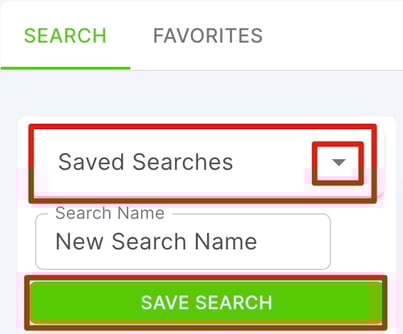
Sort Listings
You can sort auction listings in ascending or descending order based on various parameters such as AVG MMR valuation, bid count, price, exterior and interior color, and more.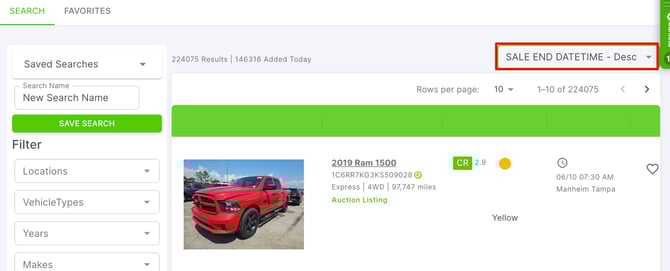
View Vehicle Details
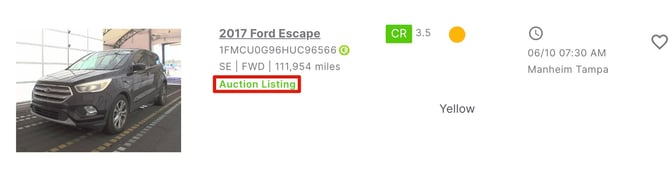
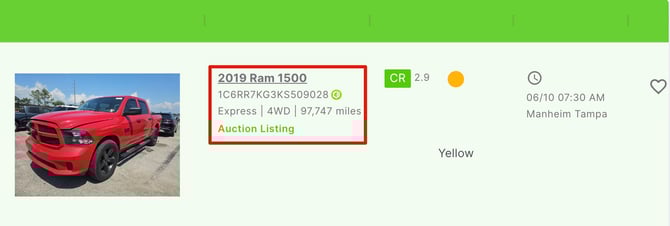
Users can view detailed information about each vehicle, including year, make, model, VIN, trim, drive train, odometer, CR grade, and auction details.
You can click on the year, make, and model to open up a more detailed view
Favorite Listings
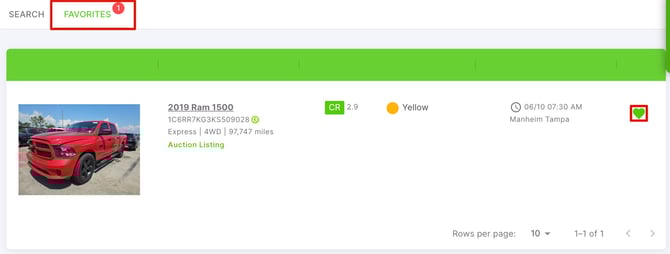
Mark listings as favorites, making it easier to track and revisit vehicles of interest.
Click on the  button to favorite a vehicle
Access Auction Details
Access more detailed auction information by clicking on the Auction Listing link which routes you directly to the auction site (e.g., Manheim) for that specific listing.